
Easy Access for Parents & Educators
Download Crackajack with Confidence
Welcome! We’re here to help you support your child’s learning journey. Download Crackajack in just a few simple steps and start empowering your primary learner for exam success.


Download & Start Supporting Learning
Empowering parents and educators with seamless, secure access to Crackajack.
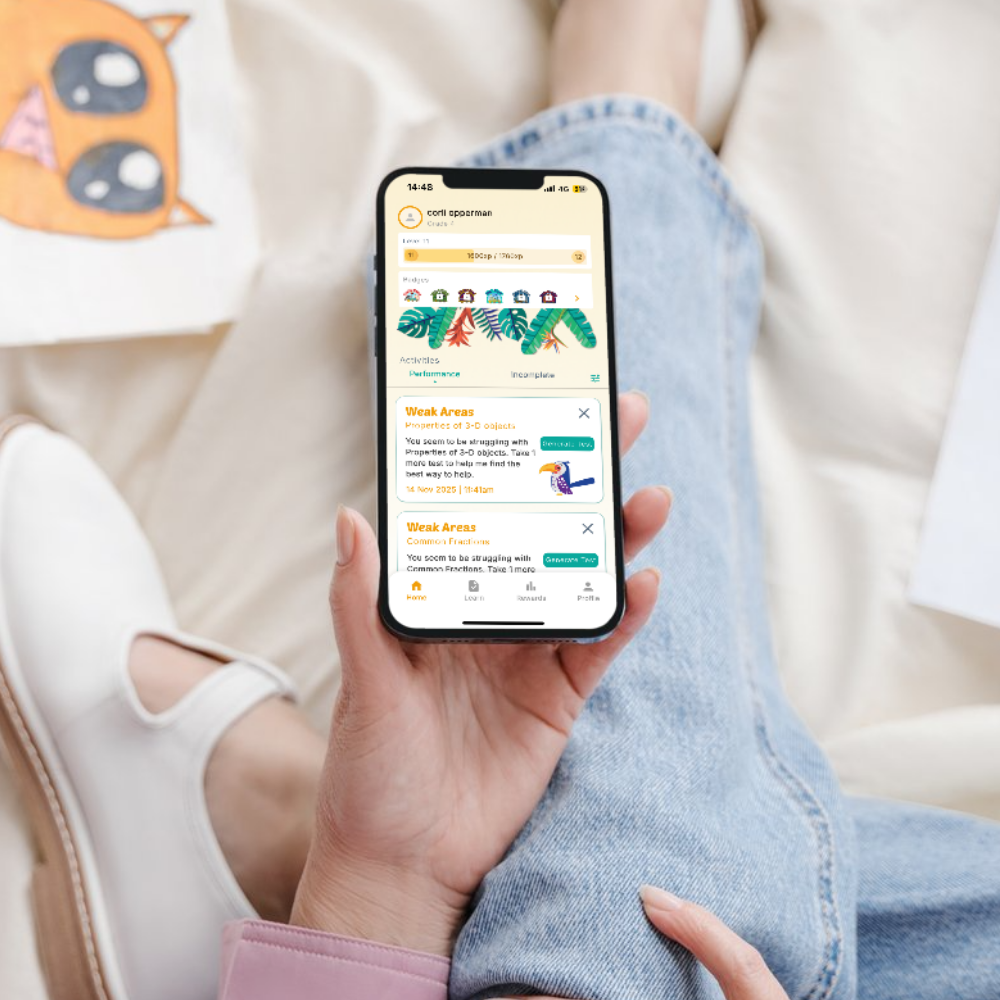
Crackajack is designed to make supporting your child’s learning journey effortless and safe. With just a quick download, you unlock instant access to engaging study tools, child-safe features, and simple setup across multiple devices. Discover how Crackajack transforms exam prep into a fun, reassuring experience—for both you and your child.
Easy, One-Tap Setup
Get started in moments—no complicated sign-ups or long forms. Simply download and begin guiding your child’s learning right away.

Safe & Private Access
Your child’s safety comes first. Crackajack keeps all personal data secure and puts you in control of your learning environment.

Works on All Devices
Whether you’re using a tablet, phone, or computer, Crackajack adapts for easy use everywhere—at home or on the go.
Download and Get Started Easily
Getting started with Crackajack is simple and stress-free. Just follow our guided steps to download and install the app on your device—no technical skills required.
Once installed, open Crackajack and follow the welcoming prompts. You’ll find helpful tips designed to make onboarding smooth for both parents and educators, ensuring you can quickly set up profiles and explore exam readiness features.
If you ever need support or want to learn more about Crackajack’s benefits, visit our How It Works page for additional guidance and practical advice.
Download Crackajack Today
Empower your child’s learning journey
Download Help & FAQs
We want downloading Crackajack to be as easy and stress-free as possible. If you run into any questions or need guidance, our FAQ is here to help you every step of the way.
Which devices support Crackajack?
Crackajack is designed for both iOS and Android devices. Most recent smartphones and tablets are compatible, so you can support your child’s learning on the device you already have.
For best performance, ensure your device is running the latest operating system.
How do I download and install the app?
Simply choose your device’s app store, search for ‘Crackajack’, and tap ‘Install’. Follow the on-screen instructions to complete setup.
I’m having trouble with the download. What should I do?
If the download isn’t starting or completing, make sure your internet connection is stable and there’s enough space on your device. Restarting your device can also help resolve common issues.
If problems continue, our support team is here to help.
Is Crackajack free to download?
Yes! Crackajack is free to download and explore for 14 days. You’ll have access to essential study tools and quizzes right away.
After the 14 day free trial it will require a subscription, but there’s plenty to get started for free.
Do I need an account to use Crackajack?
You can start exploring Crackajack without an account, but creating one lets you track your child’s progress and save custom quizzes.
An account helps you personalize your experience and monitor student growth.
Support:
Phone or Whatsapp: +27 79611 7333
Email: support@crackajackapp.co.za